
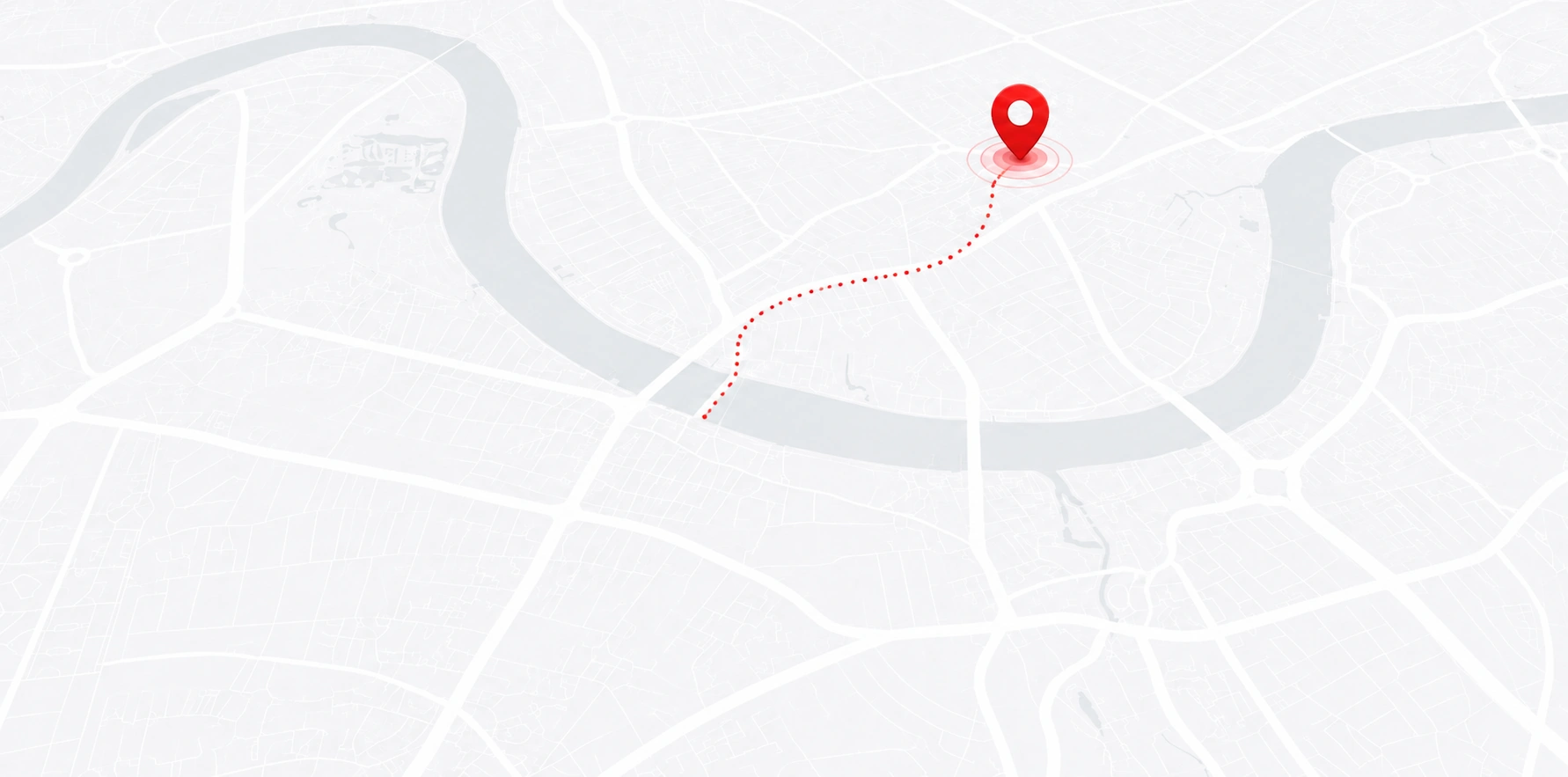
Open your booking link
Open the private link sent for your booking. If you cannot find it, contact the office with your booking details so it can help verify your access.
KB CARS · TRACKING HELP
Open your booking’s private link for driver and vehicle details and journey updates. No app is required. If the link is missing or not updating, our 24-hour office can help.
Private tracking
Open the private tracking link provided for your booking. It is for the entitled passenger or an authorised contact, so keep it private and do not use it to access someone else’s journey. An app is not required.
Once your journey is allocated, tracking is intended to show the car on its way through drop-off. A completed journey record may remain visible separately. Live location is not available before allocation, and GPS updates and arrival estimates may not always be exact or uninterrupted.
Using your link
Open your own link, check the car before boarding and contact the office if you need help.
Open the private link sent for your booking. If you cannot find it, contact the office with your booking details so it can help verify your access.
Compare the driver and vehicle information with your booking confirmation before boarding. If details are missing or do not match, wait and contact the office.
If your plans change, the booker or designated authorised contact can request a change through the office. An acknowledgement means the request was received; wait for confirmation that the change has been accepted before treating it as arranged.
No live update? Use another working contact route to reach our 24-hour office. Do not rely on an old map update or an exact arrival estimate; installing an app will not restore a lost connection.
GOOD TO KNOW
Find out when tracking is available, who can use it and what to do if your plans change.
Live tracking can appear once the journey has been allocated. The intended live window is from when the car is on its way through drop-off; a completed journey record may remain visible separately. An exact ETA or uninterrupted GPS is not guaranteed.
Use the private link for your booking and compare the driver and vehicle information with your confirmation before boarding. If details are missing or different, wait and contact the office. The link is for the entitled passenger or authorised contact; knowing a phone number or reference does not give someone authority to access another person’s ride.
Contact the 24-hour office using another working route and explain what you can see. Do not rely on an old map update or an exact arrival time. Installing an app will not fix lost connectivity.
The booker or designated authorised contact can request a new time, address, stop, passenger, vehicle or terminal. Changes may need office approval, especially after driver assignment, and any revised charge should be confirmed. An acknowledgement is not acceptance: wait for confirmation of the accepted change before treating it as arranged. For a time-critical change, call if your message has not been acknowledged.
NEED A HAND?
Our 24-hour office can help if your link is missing, updates are unavailable or the driver and vehicle details need checking. Have your booking details ready.